Synology Security Cameras: August 2026 News
Synology security cameras and the ecosystem around them saw a lot of movement in August 2026. Synology launched a new cloud surveillance service, refreshed several camera models, introduced its first full access control system, and released a more affordable NAS line built with video recording in mind. If you run cameras on Synology hardware, whether at home or across a small business with a few locations, these updates are worth a closer look for what they change and what they could mean for your setup.
A cloud option arrives: Surveillance365
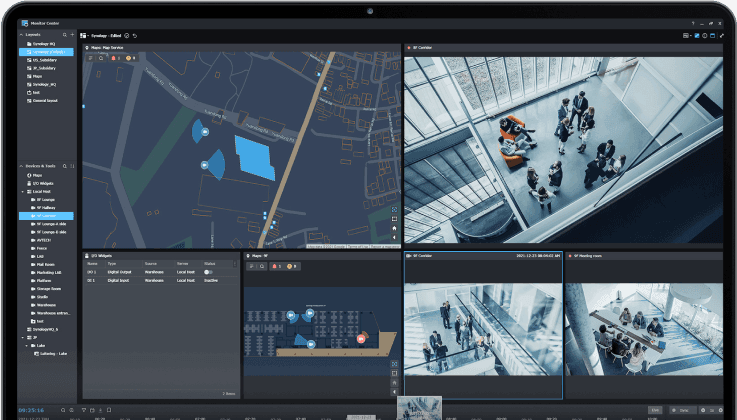
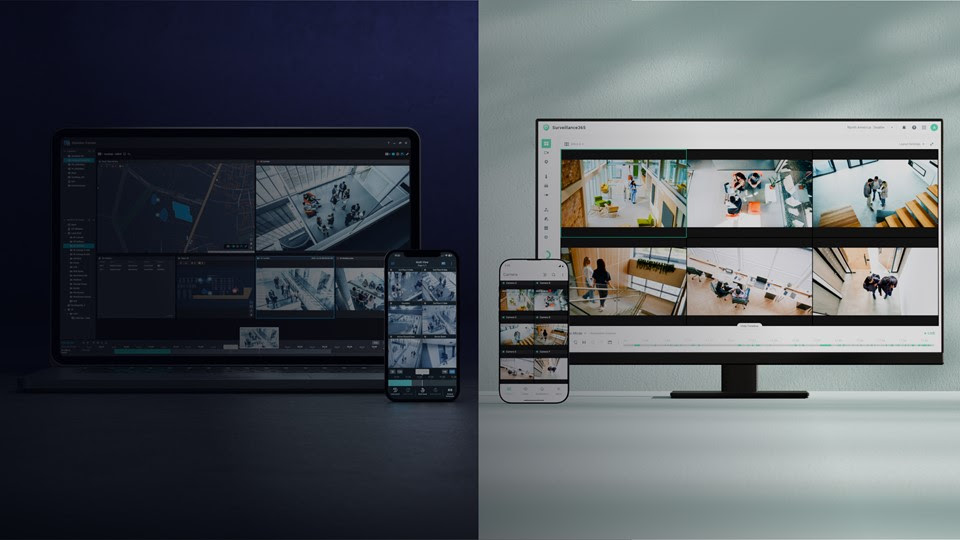
The biggest announcement of the month is Surveillance365, a cloud based video surveillance service Synology unveiled in early August. Until now, most Synology users have relied on Surveillance Station, the NVR software that runs directly on a NAS to record and manage IP cameras. Surveillance365 takes a different approach: cameras connect straight to Synology’s cloud, without a NAS in the middle, and footage is stored and analyzed off site.
Key features include camera setup in about two minutes per device, on camera AI analytics for people, vehicle, intrusion and loitering detection to reduce bandwidth use, multi factor authentication, and cloud retention periods ranging from 45 days up to ten years on the paid Business plan. The Standard plan is free with compatible cameras, while the Business plan is billed per camera per year and adds site level permissions and audit logging, aimed at retail chains, construction sites and organizations managing several locations at once.
Surveillance365 does not replace Surveillance Station, it sits alongside it, and Synology says it can even be used to back up existing Surveillance Station recordings to the cloud. For most home users and small businesses with a single site, Surveillance Station on a NAS remains the simpler and more cost effective option, especially once you already own a Surveillance Device License for each camera. Surveillance365 is worth a look mainly if you manage Synology security cameras across multiple locations and want central, cloud based control without deploying a NAS at every site.
Fresh camera hardware: updated Series 10 and new dome models
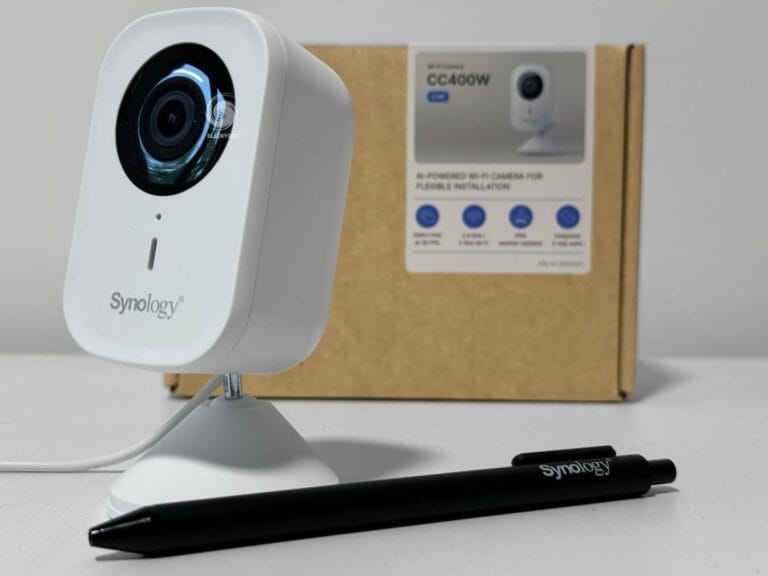
Alongside the software news, Synology refreshed part of its camera lineup. The Series 10 line was updated with new BC510, TC510 and CC410W models, replacing their predecessors with modest but useful hardware improvements. Synology also introduced three new dome cameras: the DC500Z, a 5MP varifocal model rated IP66/IP67 for indoor or outdoor use with support for advanced AI analytics, the DC800, an 8MP fixed focal indoor dome, and the DC400, a 4MP fixed focal indoor model aimed at more basic deployments. A 360 degree fisheye model, the FC600, is scheduled to follow later this year.
For Cameralicense.com customers, the practical takeaway is compatibility. New camera models typically need to appear on Synology’s official IP camera support list before Surveillance Station can use their full feature set, and every camera connected to Surveillance Station still needs its own device license, whether it is a Synology branded model or a third party camera. If you are planning a new installation, it is worth checking the current support list before you buy, and budgeting one license per camera as usual.
A new access control system, managed from Surveillance Station
Synology also stepped into physical access control for the first time with a complete, in house system. It includes a single door controller that supports the standard OSDP and Wiegand protocols, two reader models, the keypad equipped AR300 and the more compact AR100, plus supporting accessories such as cards and key fobs. A companion app, Access Key, lets people unlock doors from a smartphone.
What makes this interesting for existing Surveillance Station users is that the whole system is managed from the same interface already used for camera footage. For a small business that wants to tie door access events to video, seeing exactly who badged in and when alongside the matching camera recording, this closes a gap that previously required a separate, often more expensive access control platform.
A cheaper entry point: the DiskStation neo+ series
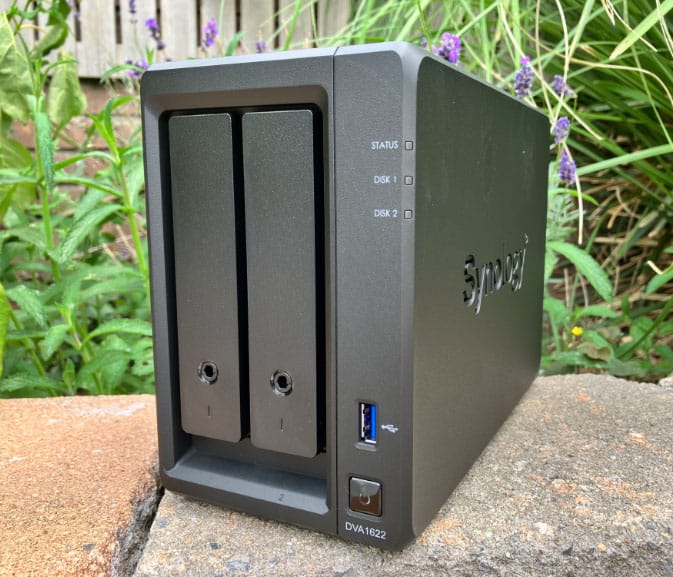
On the hardware side, Synology introduced the DiskStation neo+ series in early August: the 8 bay DS1825neo+, 5 bay DS1525neo+, 4 bay DS925neo+ and 2 bay DS725neo+. These models sit alongside the existing Plus lineup rather than replacing it, and the main difference is the starting memory, 4GB of non ECC RAM instead of the 8GB ECC memory that ships with comparable Plus models. Networking, expansion options and the DSM software experience are otherwise in line with the standard Plus series.
Synology explicitly positions these units for surveillance duty, describing them as suitable for running Surveillance Station as an on premises NVR. That makes the neo+ series worth considering if you want a lower upfront cost NAS dedicated to recording a handful of cameras, though anyone planning a larger camera array, longer retention periods or heavier AI workloads should budget for a RAM upgrade fairly soon, since the entry level 4GB is a starting point rather than a comfortable running configuration.
A reminder to keep things patched
Finally, Synology published a security advisory in early August affecting Synology Assistant on Windows, an incorrect permissions issue that could let a local user read or write files it should not have access to. The fix is simply to update Assistant to version 7.0.7-50095 or later. It is a smaller issue than some of the more serious DSM vulnerabilities Synology has patched earlier this year, but it is a good prompt to check that DSM itself, Surveillance Station and any companion apps on your PC or Mac are all running current versions. For a system that is watching your home or business around the clock, staying on top of updates is one of the simplest ways to keep it trustworthy.
August 2026 was a busy month for Synology security cameras, with a new cloud surveillance option, refreshed hardware, a first move into access control and a more affordable NAS aimed squarely at video recording. None of it changes the fundamentals for most Cameralicense.com customers: Surveillance Station on a NAS, backed by the right camera license for every device, remains the most cost effective way to run a private, self hosted setup. But if your needs are growing across multiple sites, or you simply want to see what Synology has planned next for its cameras, this month’s announcements are a good sign the platform is still moving forward.