
Surveillance Cameras: Synology NAS Update
If you run surveillance cameras on a Synology NAS, or you’re planning to, this week brings a new entry-level NAS series aimed at budget-conscious buyers, an important reminder about how licensing works on Synology’s own surveillance cameras, and a security update that Windows users should install without delay.
New DiskStation neo+ Series: More Affordable Entry Points Into Synology NAS
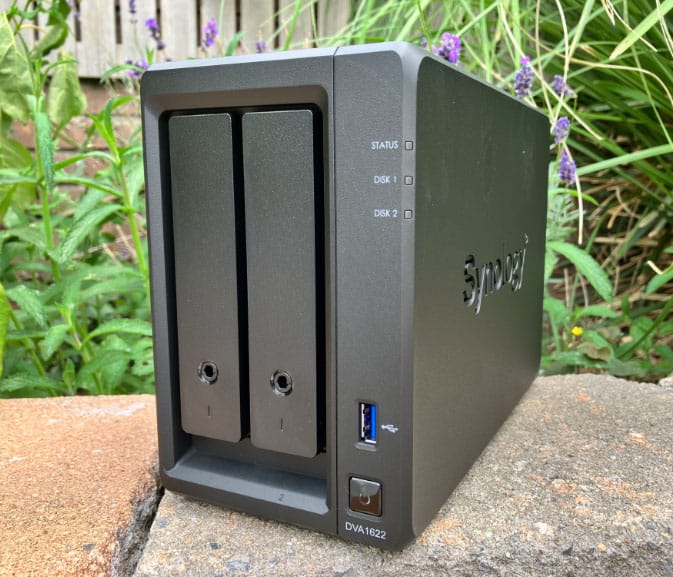
Synology has introduced the DiskStation neo+ Series, a new line-up of four NAS models: the 8-bay DS1825neo+, the 5-bay DS1525neo+, the 4-bay DS925neo+, and the 2-bay DS725neo+. These units share the same platform as Synology’s existing Plus Series but ship with 4GB of non-ECC DDR4 memory by default instead of ECC memory, which brings the entry price down while keeping the hardware fully expandable, memory can be upgraded up to 32GB later on.
All four models include 2.5GbE networking as standard and built-in M.2 slots for SSD caching, and the two larger models (DS1825neo+ and DS1525neo+) add a PCIe 3.0 slot for an optional 10GbE or 25GbE network card. Storage can be expanded further with Synology’s DX525 expansion unit. Synology positions the neo+ Series as a way to lower the barrier to entry for home users and small businesses who want reliable NAS storage, including for surveillance footage, without committing to the cost of a fully specced Plus model up front, while still leaving room to grow into heavier workloads later.
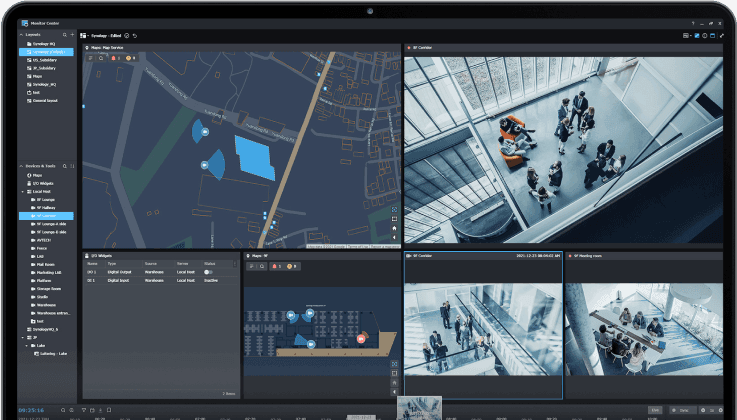
For anyone using a NAS as the backbone of a home or small business camera system, this matters: a lower-cost, expandable NAS makes it more affordable to connect surveillance cameras through Surveillance Station and scale up storage or networking as camera count grows.
Camera Licensing on Synology’s Own Cameras: A Reminder Worth Repeating
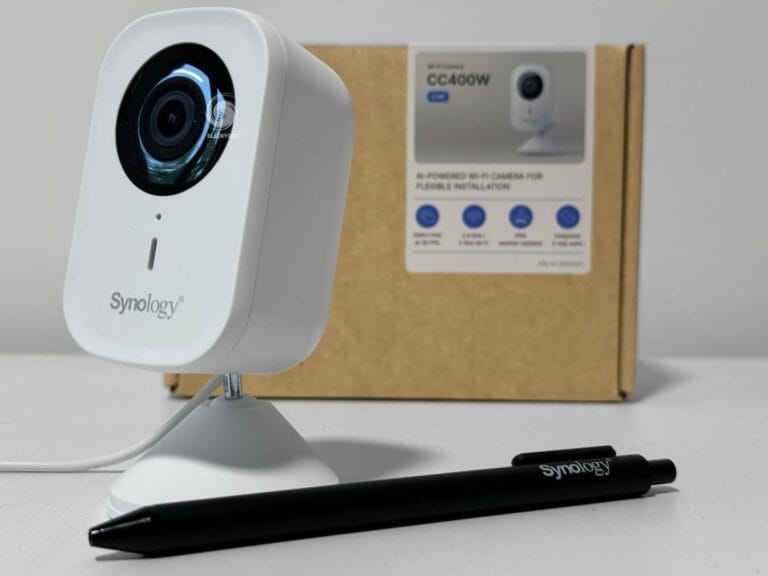
Earlier this year, Synology changed how licensing works for its own branded cameras. Newer models such as the BC510, TC510, and BC800Z no longer come with licensing built in the way older Synology cameras did, each of these cameras now requires its own Surveillance Device License to be added to Surveillance Station, on top of whatever license allowance is already bundled with your NAS.
Synology’s stated reasoning is flexibility: by decoupling the camera hardware from Surveillance Station licensing, these cameras can now also be deployed through third-party NVR and VMS platforms via ONVIF, or on Synology’s upcoming cloud-based surveillance platform, rather than being locked exclusively into Surveillance Station. The trade-off for buyers is a real one, though, where a camera license used to come bundled “for free” with certain first-party cameras, it’s now a separate line item to plan for in every deployment budget.
It’s a change we still see customers get caught out by months later, which is exactly why we keep flagging it: if you’re speccing out a new Synology camera system, always check how many device licenses are already included with your NAS, and budget separately for additional licenses per camera beyond that allowance.
Security Update: Patch Synology Assistant on Windows
Synology published a security advisory (Synology_SA_26_12) for an incorrect default permissions vulnerability in Synology Assistant for Windows, tracked as CVE-2026-4793 and rated Important (CVSS 7.3). The flaw could allow a local user on the same machine to read or write arbitrary files, or trigger a denial-of-service condition. Synology has released version 7.0.7-50095, which resolves the issue, anyone running Synology Assistant on a Windows PC to manage a NAS should update to this version or later as soon as possible.
This is a good moment for a broader reminder too: DSM itself received a substantial update earlier this year (DSM 7.4), bringing improvements to authentication stability, certificate handling, and several security fixes on top of new features like GPU information in Info Center. If your NAS is still running an older DSM or Surveillance Station build, it’s worth checking Synology’s Download Center for the latest patches for your specific model.
What This Means for Cameralicense.com Customers
Between more affordable NAS hardware to start or expand a setup built around surveillance cameras, an ongoing licensing model that catches new camera buyers off guard, and a fresh security patch worth applying, this is a good week to double-check both your hardware roadmap and your license count. As always, if you’re unsure how many Surveillance Device Licenses your current or planned setup needs, our team is happy to help you work it out before you buy.